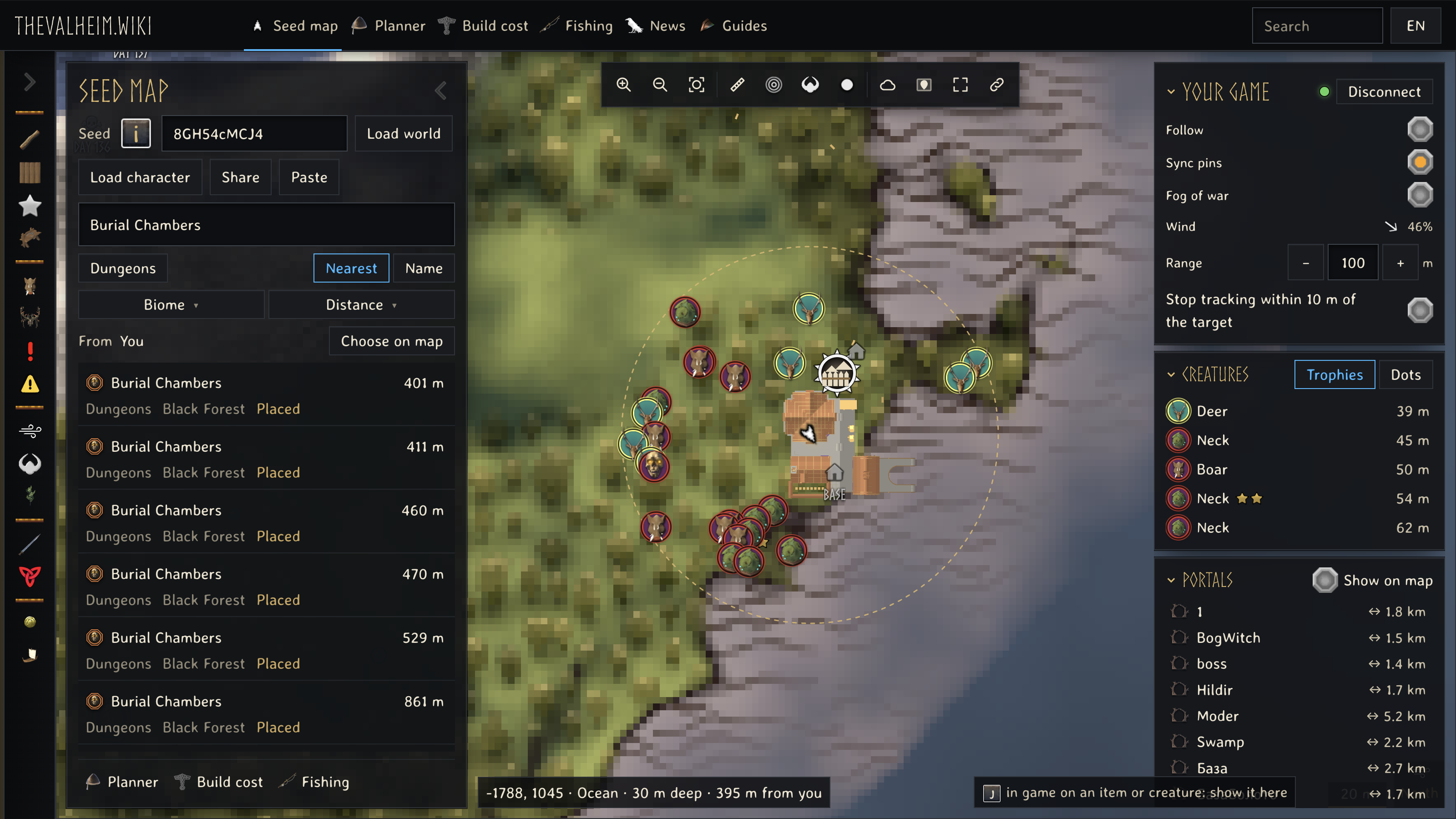
Find what is nearest to you
Search the map from your live position. Results are ordered by distance from where you stand.
Use thevalheim.wiki to explore your world, check creature weaknesses and recipes, and plan food, gear and building materials. Connect Realtime Map from seed when you want the browser map to follow your running game.
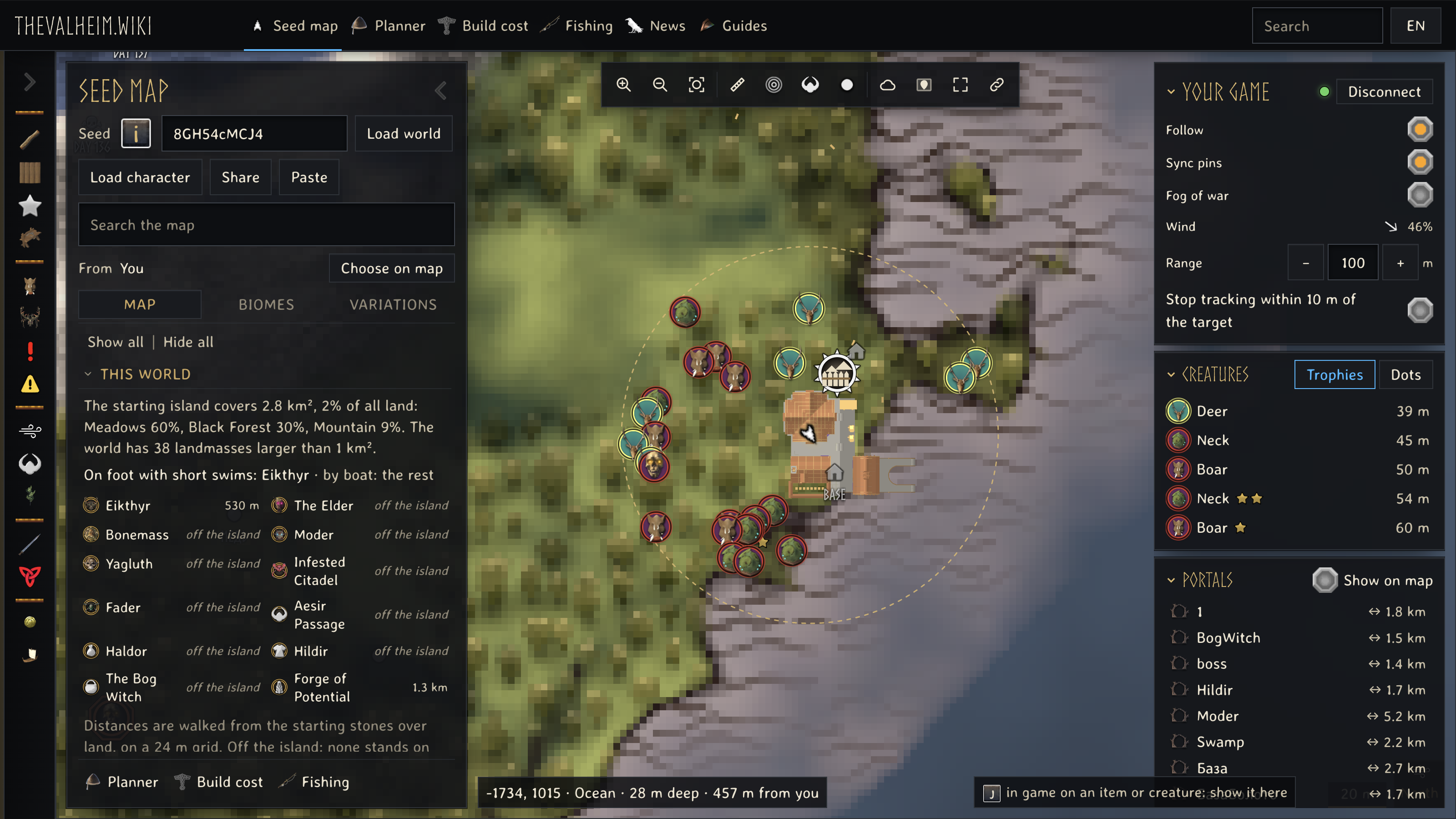

Your running world on our map.
Realtime Map from seed connects your running Valheim game to the browser map at thevalheim.wiki. Follow your position and heading, see nearby creatures with their stars, and find players who share their position.
Search the map from your live position. Results are ordered by distance from where you stand.
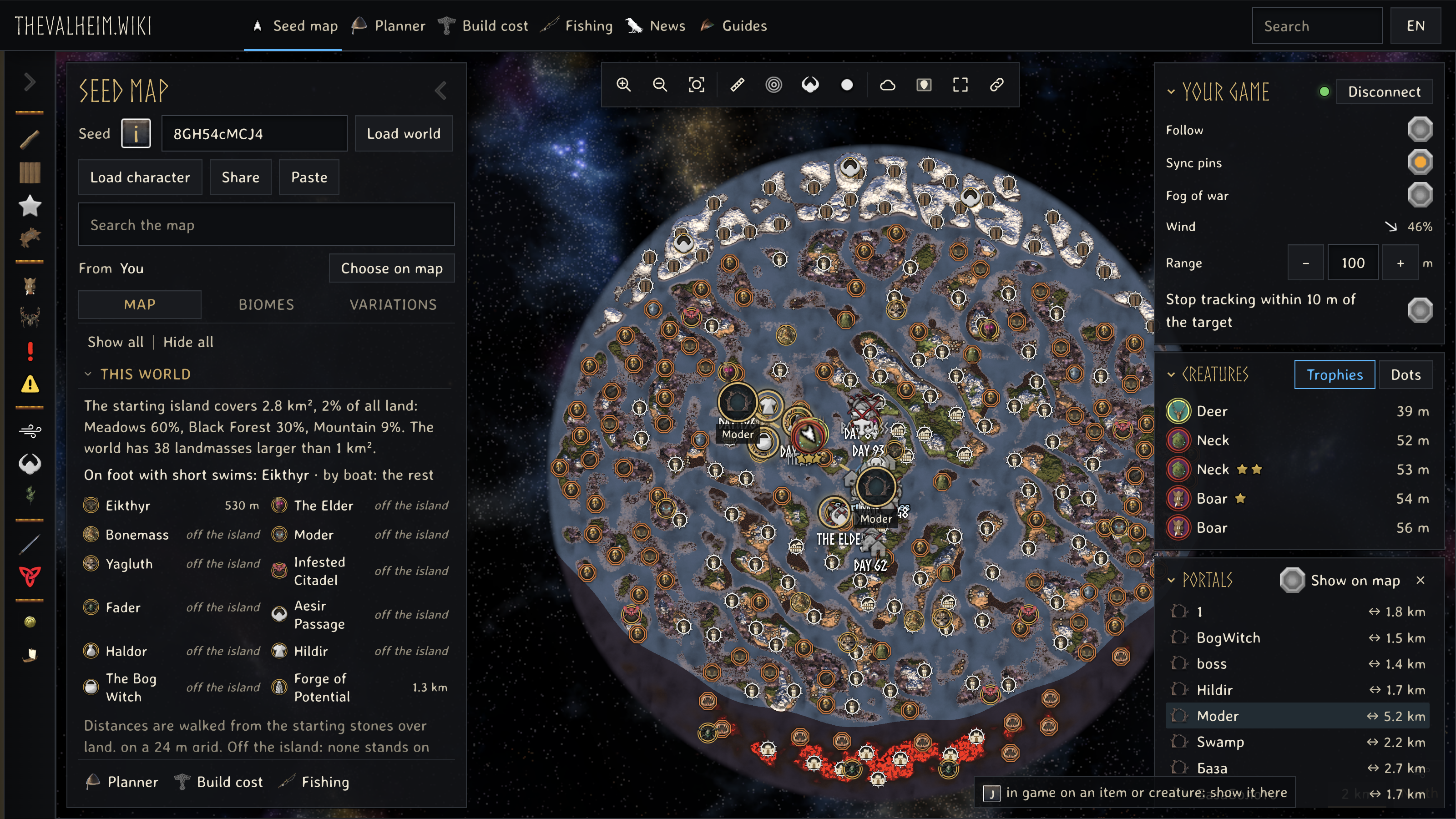
See your portal tags and connections. Select a pair to reveal both ends on the map.
Track a location, resource, portal, or pin. A personal in-game ping keeps the target and its distance in sight.
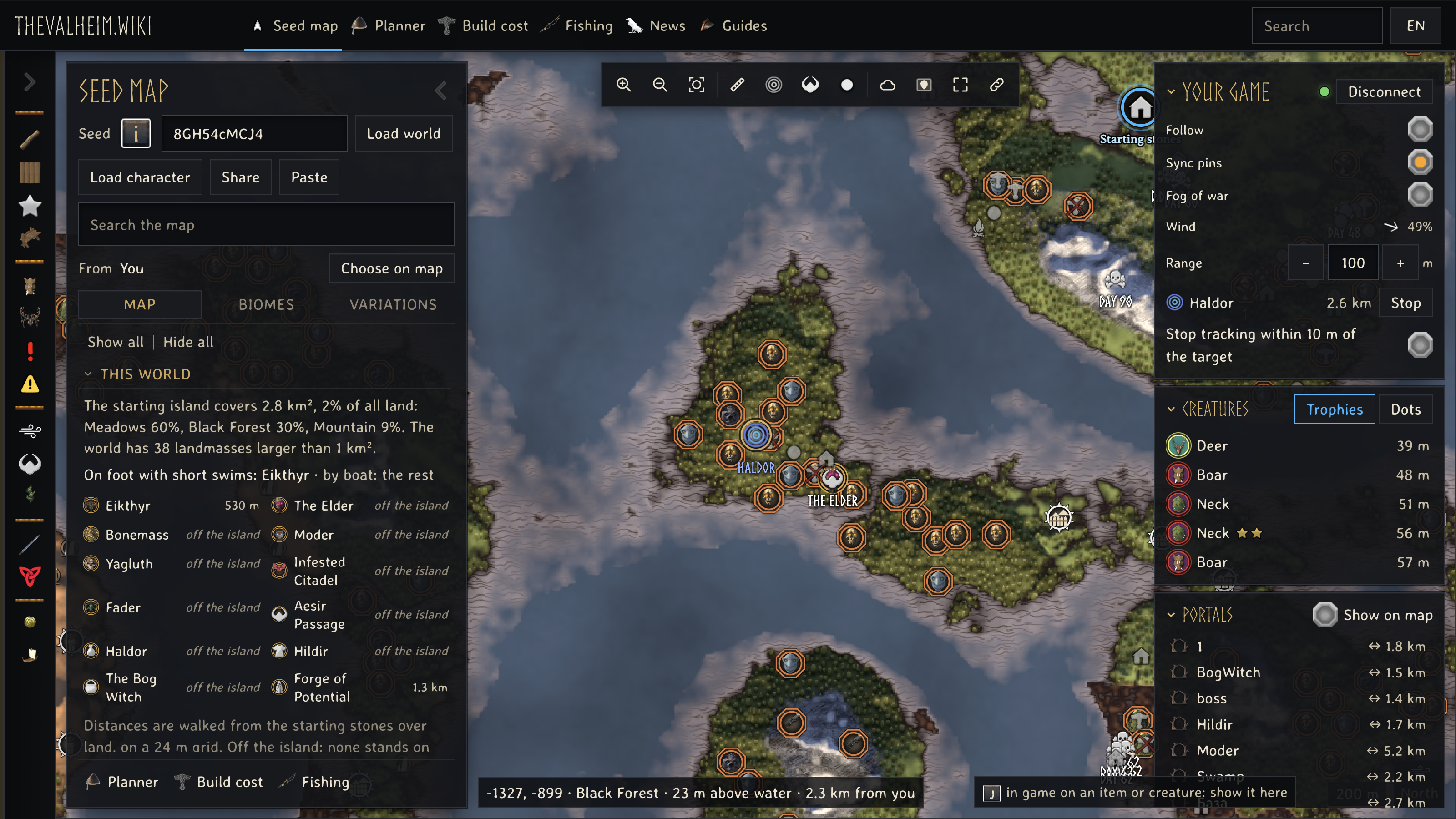
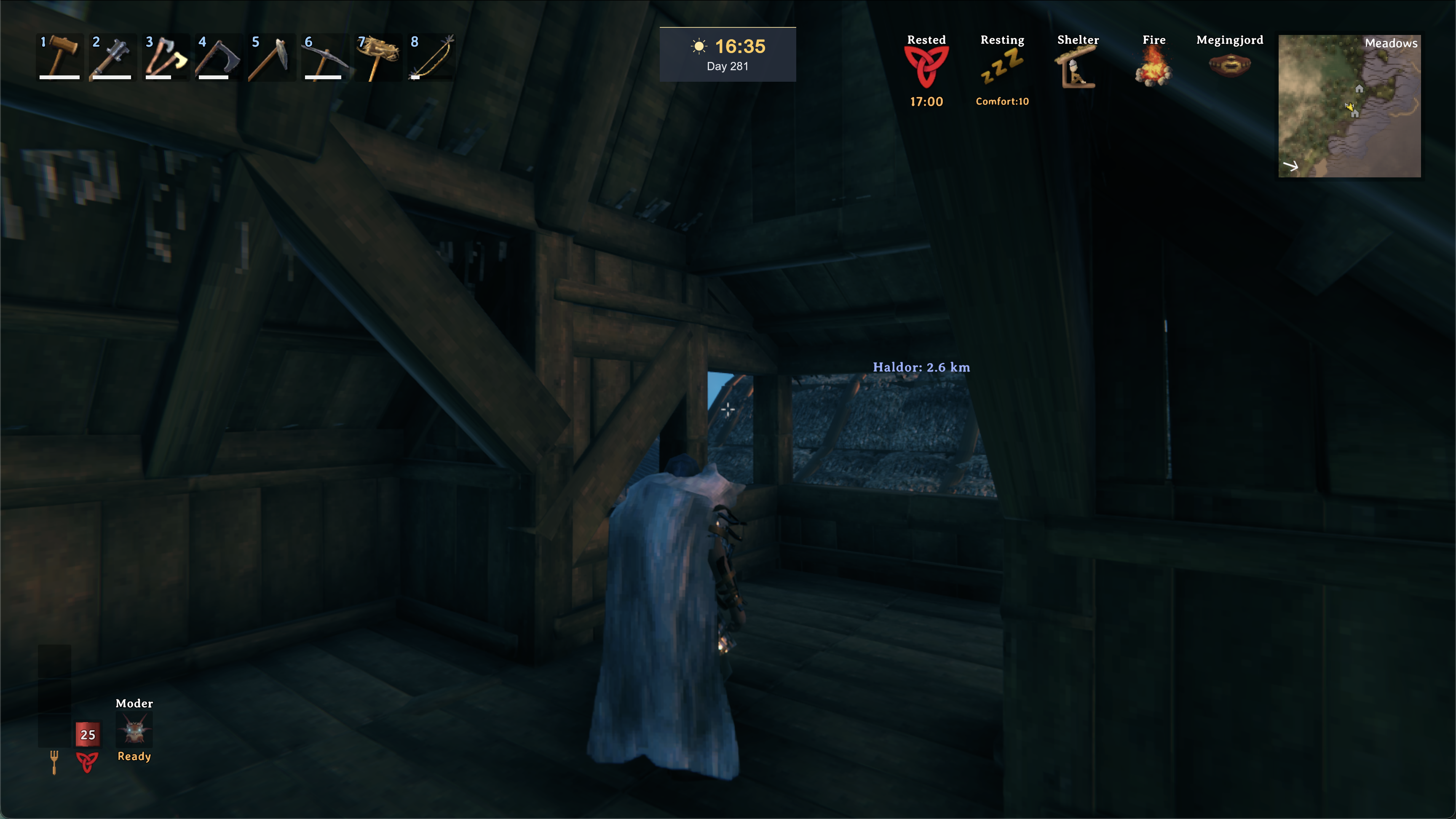
Use a desktop browser on the computer running Valheim. Nearby creatures appear within the area your game has loaded; the map does not reveal every creature or hidden player on a server.

Keep our live map beside Valheim on your Mac.
Playing on Apple Silicon? Our Mac guide walks you through setting up Realtime Map from seed and connecting your game to thevalheim.wiki.

Mac setup is a preview. This download still needs its full installation check; Intel Macs have not been verified.
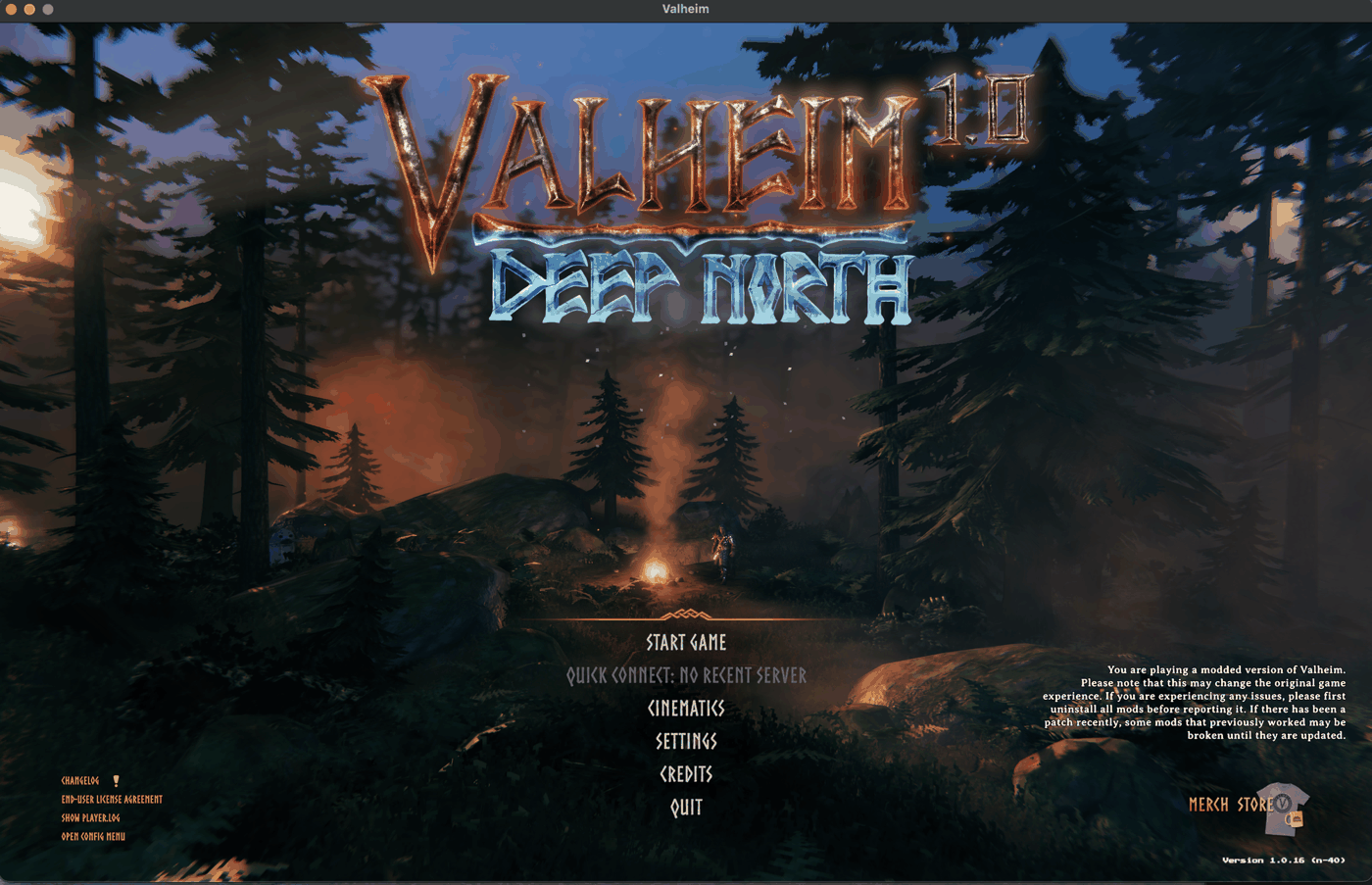
The guide covers the required BepInEx 5 loader, the Steam launch setting and the Realtime Map from seed files. Follow that sequence before connecting your game to our map.
The Mac guide gives the complete steps and troubleshooting.
Mac setup guide